<?xml version="1.0" encoding="utf-8"?><feed xmlns="http://www.w3.org/2005/Atom" ><generator uri="https://jekyllrb.com/" version="3.10.0">Jekyll</generator><link href="https://0xdoublemoon.github.io/feed.xml" rel="self" type="application/atom+xml" /><link href="https://0xdoublemoon.github.io/" rel="alternate" type="text/html" /><updated>2026-06-04T14:30:26+00:00</updated><id>https://0xdoublemoon.github.io/feed.xml</id><title type="html">0xdoublemoon</title><subtitle>blogs</subtitle><entry><title type="html">Building SVG Generation Skills for Claude Code</title><link href="https://0xdoublemoon.github.io/tools/2026/06/04/svg-skills.html" rel="alternate" type="text/html" title="Building SVG Generation Skills for Claude Code" /><published>2026-06-04T00:00:00+00:00</published><updated>2026-06-04T00:00:00+00:00</updated><id>https://0xdoublemoon.github.io/tools/2026/06/04/svg-skills</id><content type="html" xml:base="https://0xdoublemoon.github.io/tools/2026/06/04/svg-skills.html"><![CDATA[<p>I built three Claude Code skills that generate production-ready SVGs on demand — a logo mark, an illustration, and a flowchart. Each skill follows the same pattern: ask a few focused questions up front, then emit a fully self-contained SVG file.</p>

<h2 id="why-svg">Why SVG?</h2>

<p>SVG is a great fit for AI-generated graphics — it’s just text, so the model can reason about coordinates and structure without hallucinating pixel values. The output is infinitely scalable, easy to inspect, and works anywhere a browser does.</p>

<h2 id="the-three-skills">The Three Skills</h2>

<h3 id="svg-logo">svg-logo</h3>

<p>Generates a 100×100 icon-only logo mark. No text, no external fonts. The safe zone is 6–94px on each axis so the mark survives cropping to any shape.</p>

<p>Inputs collected before generation:</p>
<ul>
  <li><strong>Style</strong> — Geometric, Lettermark, Abstract mark, or Mascot/character</li>
  <li><strong>Palette</strong> — six presets (Midnight, Ember, Moss, Steel, Blush, Obsidian), each a primary + accent pair</li>
  <li><strong>Animation</strong> — None, Entrance (fade/scale), Loop (breathe/pulse), or Spin</li>
</ul>

<p>The design constraint of 1–2 colors and geometric primitives only (<code class="language-plaintext highlighter-rouge">&lt;circle&gt;</code>, <code class="language-plaintext highlighter-rouge">&lt;rect&gt;</code>, <code class="language-plaintext highlighter-rouge">&lt;polygon&gt;</code>, <code class="language-plaintext highlighter-rouge">&lt;path&gt;</code>) keeps logos legible at 50px while still looking intentional.</p>

<p>Example output: <code class="language-plaintext highlighter-rouge">outputs/brew-logo.svg</code></p>

<hr />

<h3 id="svg-illustration">svg-illustration</h3>

<p>Generates expressive, layered illustrations with a default 400×300 canvas (wide banner, portrait, and square also available). Every output is structured into three named groups — <code class="language-plaintext highlighter-rouge">#background</code>, <code class="language-plaintext highlighter-rouge">#midground</code>, <code class="language-plaintext highlighter-rouge">#foreground</code> — so the layers are easy to edit afterward.</p>

<p>Inputs collected before generation:</p>
<ul>
  <li><strong>Style</strong> — Flat, Outlined, Isometric, or Organic</li>
  <li><strong>Palette</strong> — six presets (Aurora, Meadow, Dusk, Sand, Coral, Arctic)</li>
  <li><strong>Canvas size</strong></li>
  <li><strong>Animation</strong> — None, Float, Fade in layers, or One element loops</li>
</ul>

<p>Color discipline: max 5 distinct hues total, opacity variations before introducing new colors. The background layer is always the palette’s background color; accent colors go on the foreground focal element only.</p>

<p>SMIL and CSS <code class="language-plaintext highlighter-rouge">@keyframes</code> are used for animation — no JavaScript, fully portable.</p>

<p>Example output: <code class="language-plaintext highlighter-rouge">outputs/developer-coding-illustration.svg</code></p>

<hr />

<h3 id="svg-flowchart">svg-flowchart</h3>

<p>Generates structured process diagrams with a fixed 800px width and computed height based on node count. Handles four diagram types — Linear steps, Decision tree, Swimlane, and Cycle/loop — in either Top→Bottom or Left→Right orientation.</p>

<p>Inputs collected before generation:</p>
<ul>
  <li><strong>Diagram type</strong> — Linear, Decision tree (with branches), Swimlane (by role/team), or Cycle/loop</li>
  <li><strong>Direction</strong> — Top→Bottom or Left→Right</li>
  <li><strong>Palette</strong> — five presets (Indigo, Ocean, Slate, Violet, Mono)</li>
</ul>

<p>Node shapes follow flowchart conventions: rounded rect for process steps, diamond for decisions, pill for start/end, parallelogram for input/output. Connectors always use an <code class="language-plaintext highlighter-rouge">&lt;marker&gt;</code> arrow defined in <code class="language-plaintext highlighter-rouge">&lt;defs&gt;</code> so arrowheads render correctly everywhere.</p>

<p>For decision branches, Yes/No labels sit on the connector line mid-point; branches reconnect back to the main axis via <code class="language-plaintext highlighter-rouge">&lt;path&gt;</code> curves.</p>

<p>Example output: <code class="language-plaintext highlighter-rouge">outputs/login-process-flowchart.svg</code></p>

<hr />

<h2 id="common-design-decisions">Common Design Decisions</h2>

<p>A few things I applied consistently across all three skills:</p>

<p><strong>Ask first, generate once.</strong> Each skill uses <code class="language-plaintext highlighter-rouge">ask_user_input_v0</code> to collect style and color options before emitting any SVG. This eliminates the back-and-forth of “regenerate but make it darker.”</p>

<p><strong>Palette presets over free-form colors.</strong> Offering named palettes with pre-paired colors produces more harmonious results than letting users specify arbitrary hex codes.</p>

<p><strong>No external resources.</strong> No <code class="language-plaintext highlighter-rouge">&lt;image&gt;</code> tags, no Google Fonts, no CDN links. The output file is always fully self-contained.</p>

<p><strong>Outputs go to <code class="language-plaintext highlighter-rouge">./outputs/</code></strong> with a descriptive filename like <code class="language-plaintext highlighter-rouge">login-process-flowchart.svg</code>. Predictable output paths make it easy to drop the file into a project without renaming.</p>]]></content><author><name></name></author><category term="Tools" /><category term="tools" /><category term="claude" /><category term="svg" /><category term="AI" /><summary type="html"><![CDATA[I built three Claude Code skills that generate production-ready SVGs on demand — a logo mark, an illustration, and a flowchart. Each skill follows the same pattern: ask a few focused questions up front, then emit a fully self-contained SVG file.]]></summary></entry><entry><title type="html">Watching is Enough</title><link href="https://0xdoublemoon.github.io/yonkoma/2024/01/22/yonkoma.html" rel="alternate" type="text/html" title="Watching is Enough" /><published>2024-01-22T00:00:00+00:00</published><updated>2024-01-22T00:00:00+00:00</updated><id>https://0xdoublemoon.github.io/yonkoma/2024/01/22/yonkoma</id><content type="html" xml:base="https://0xdoublemoon.github.io/yonkoma/2024/01/22/yonkoma.html"><![CDATA[<p>Random stuffs.</p>

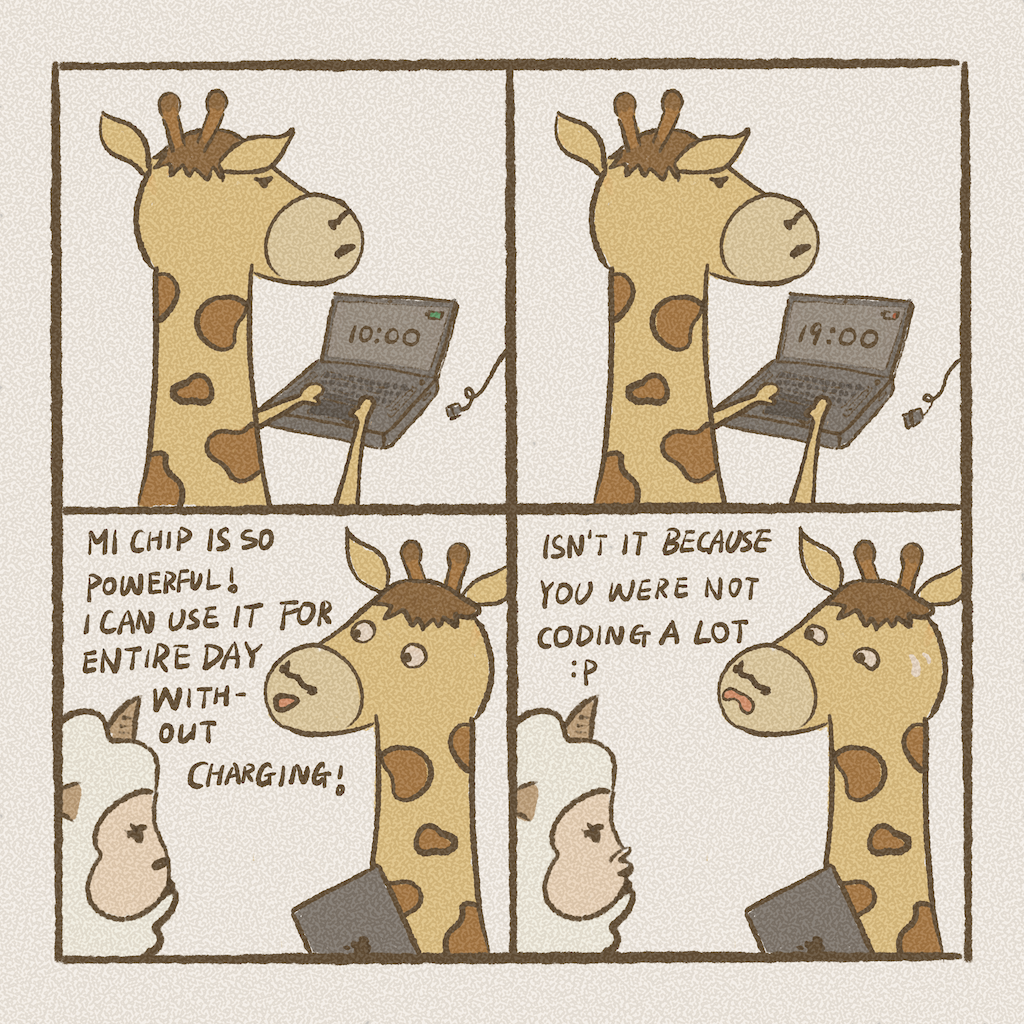
<p><img src="../../../../assets/yonkoma/watching_is_enough.png" alt="" /></p>]]></content><author><name></name></author><category term="Yonkoma" /><category term="yonkoma" /><summary type="html"><![CDATA[Random stuffs.]]></summary></entry><entry><title type="html">Development Tools</title><link href="https://0xdoublemoon.github.io/web3/2024/01/21/development-tools.html" rel="alternate" type="text/html" title="Development Tools" /><published>2024-01-21T00:00:00+00:00</published><updated>2024-01-21T00:00:00+00:00</updated><id>https://0xdoublemoon.github.io/web3/2024/01/21/development-tools</id><content type="html" xml:base="https://0xdoublemoon.github.io/web3/2024/01/21/development-tools.html"><![CDATA[<h2 id="ganache">Ganache</h2>

<h3 id="introduction">Introduction</h3>

<p>Ganache is a local development blockchain used to develop decentralized applications on the Ethereum blockchain. It simulates the Ethereum network, and you can see how your DApp will perform before you release it to production.</p>

<p>By default, Ganache provides 10 test accounts, each with 1000 (fake) Ether along with the corresponding private keys and the mnemonic phrase used to generate them. As a result,  we can deploy our smart contract to local blockchain to test with those fake Ether. It is convinient to use.</p>

<p>Note: Community no longer support :(</p>

<h3 id="installation">Installation</h3>
<ol>
  <li>install via image: https://trufflesuite.com/ganache/</li>
  <li>install &amp; run via cli:
    <div class="language-plaintext highlighter-rouge"><div class="highlight"><pre class="highlight"><code>npm install ganache
ganache
</code></pre></div>    </div>
  </li>
</ol>

<p>prerequiste:  <code class="language-plaintext highlighter-rouge">Node.js &gt;= v12.0.0 and NPM &gt;= 6.4.1</code></p>

<h2 id="hardhat">Hardhat</h2>

<ol>
  <li>install the hardhat in the project:
    <div class="language-plaintext highlighter-rouge"><div class="highlight"><pre class="highlight"><code>yarn add hardhat
</code></pre></div>    </div>
  </li>
  <li>In addition to ganache, hardhat also provides a way to start a local ethereum node
    <div class="language-plaintext highlighter-rouge"><div class="highlight"><pre class="highlight"><code>npx hardhat node
</code></pre></div>    </div>
  </li>
</ol>

<h2 id="ipfs">IPFS</h2>

<p>install ipfs locally:</p>

<div class="language-plaintext highlighter-rouge"><div class="highlight"><pre class="highlight"><code>wget https://dist.ipfs.io/go-ipfs/v0.4.18/go-ipfs_v0.4.18_linux-amd64.tar.gz
tar xvfz go-ipfs_v0.4.18_linux-amd64.tar.gz
sudo mv go ipfs/ipfs /usr/local/bin/ipfs
ipfs init
ipfs version
</code></pre></div></div>

<hr />

<h3 id="example">Example</h3>

<p>Step 1: switch to use node 18:</p>
<div class="language-plaintext highlighter-rouge"><div class="highlight"><pre class="highlight"><code>curl -o- https://raw.githubusercontent.com/nvm-sh/nvm/v0.39.1/install.sh | bash 
nvm install 18 
nvm use 18 
nvm alias default 18 
npm install npm --global # Upgrade npm to the latest version
</code></pre></div></div>

<p>Step 2: init a project:</p>
<div class="language-plaintext highlighter-rouge"><div class="highlight"><pre class="highlight"><code>mkdir &lt;yourprojectname&gt; &amp;&amp; cd &lt;yourprojectname&gt;
yarn init
yarn add --dev hardhat
npx hardhat
</code></pre></div></div>

<p>Step 3: install plugins:</p>
<div class="language-plaintext highlighter-rouge"><div class="highlight"><pre class="highlight"><code>yarn add --dev @nomicfoundation/hardhat-toolbox @nomicfoundation/hardhat-network-helpers @nomicfoundation/hardhat-chai-matchers @nomiclabs/hardhat-ethers @nomiclabs/hardhat-etherscan chai ethers hardhat-gas-reporter solidity-coverage @typechain/hardhat typechain @typechain/ethers-v5 @ethersproject/abi @ethersproject/providers
</code></pre></div></div>

<p>Step4: compile sample smart contract</p>

<div class="language-plaintext highlighter-rouge"><div class="highlight"><pre class="highlight"><code>npx hardhat compile
</code></pre></div></div>

<p>Step 5: run deployment script</p>

<div class="language-plaintext highlighter-rouge"><div class="highlight"><pre class="highlight"><code>npx hardhat run scripts/deploy.ts
</code></pre></div></div>

<p><em>You might have error below:</em></p>
<div class="language-plaintext highlighter-rouge"><div class="highlight"><pre class="highlight"><code>#HH303: Unrecognized task
</code></pre></div></div>

<p>so downgrade <code class="language-plaintext highlighter-rouge">ethers</code> version to <code class="language-plaintext highlighter-rouge">^5.4.7</code>  and rerun.</p>

<p>You will get the successful result like this:
![[npx hardhat run command.png]]</p>

<h2 id="alternatively">Alternatively</h2>

<h3 id="foundry">Foundry</h3>

<div class="language-plaintext highlighter-rouge"><div class="highlight"><pre class="highlight"><code>curl -L https://foundry.paradigm.xyz | bash

foundryup

</code></pre></div></div>]]></content><author><name></name></author><category term="Web3" /><category term="web3" /><category term="basic" /><summary type="html"><![CDATA[Ganache]]></summary></entry><entry><title type="html">Workout Is Meant to Eat More Junk Food</title><link href="https://0xdoublemoon.github.io/yonkoma/2024/01/20/yonkoma.html" rel="alternate" type="text/html" title="Workout Is Meant to Eat More Junk Food" /><published>2024-01-20T00:00:00+00:00</published><updated>2024-01-20T00:00:00+00:00</updated><id>https://0xdoublemoon.github.io/yonkoma/2024/01/20/yonkoma</id><content type="html" xml:base="https://0xdoublemoon.github.io/yonkoma/2024/01/20/yonkoma.html"><![CDATA[<p>Random stuffs.</p>

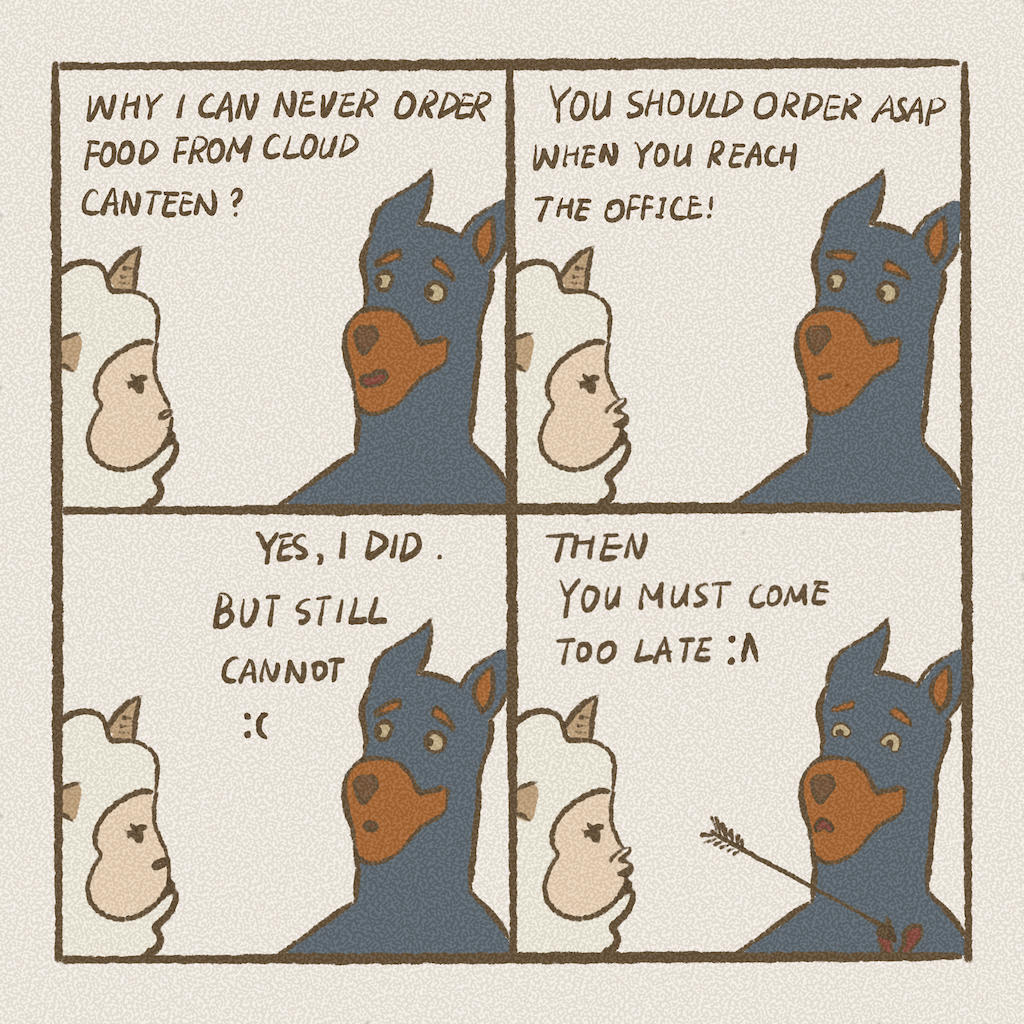
<p><img src="../../../../assets/yonkoma/workout_1.png" alt="" /></p>

<p><img src="../../../../assets/yonkoma/workout_2.png" alt="" /></p>]]></content><author><name></name></author><category term="Yonkoma" /><category term="yonkoma" /><summary type="html"><![CDATA[Random stuffs.]]></summary></entry><entry><title type="html">Key Management</title><link href="https://0xdoublemoon.github.io/web3/2023/12/21/key-management.html" rel="alternate" type="text/html" title="Key Management" /><published>2023-12-21T00:00:00+00:00</published><updated>2023-12-21T00:00:00+00:00</updated><id>https://0xdoublemoon.github.io/web3/2023/12/21/key-management</id><content type="html" xml:base="https://0xdoublemoon.github.io/web3/2023/12/21/key-management.html"><![CDATA[<script type="text/javascript" src="https://cdnjs.cloudflare.com/ajax/libs/mathjax/2.7.0/MathJax.js?config=TeX-AMS_CHTML">
</script>

<script type="text/x-mathjax-config">
  MathJax.Hub.Config({
    tex2jax: {
      inlineMath: [['$','$'], ['\\(','\\)']],
      processEscapes: true},
      jax: ["input/TeX","input/MathML","input/AsciiMath","output/CommonHTML"],
      extensions: ["tex2jax.js","mml2jax.js","asciimath2jax.js","MathMenu.js","MathZoom.js","AssistiveMML.js", "[Contrib]/a11y/accessibility-menu.js"],
      TeX: {
      extensions: ["AMSmath.js","AMSsymbols.js","noErrors.js","noUndefined.js"],
      equationNumbers: {
      autoNumber: "AMS"
      }
    }
  });
</script>

<h2 id="basic-concepts">Basic Concepts</h2>

<ul>
  <li>private key</li>
  <li>public key</li>
  <li>address</li>
</ul>

<h3 id="private-key">Private Key</h3>

<p>In Ethereum, private key is a random 256-bit (64 hexadecimal characters) secure number that provides the owner access to its associated account. A private key is used for signing transactions, which is a cryptographic process of verifying the transaction. With a private key, the owner can initiate transactions, send and receive Ether, and interact with smart contracts on the Ethereum network.</p>

<p>A private key example (please don’t use this one):</p>

<div class="language-plaintext highlighter-rouge"><div class="highlight"><pre class="highlight"><code>0101001011110110000110001001001010110010000000101110111011010011000101011001010000001101011011001000000010000001100101101011001101010101011001111000011010111010110100011010111111010110111001001000100010010010101111111100001101110101101100100100011011110000 
</code></pre></div></div>

<h3 id="public-key">Public Key</h3>

<p>A public key is derived from the corresponding private key using a <em>mathematical algorithm</em>. The private key is used to generate a digital signature for a transaction, while the public key is used to verify the transaction signature. The public key is derived from the private key using a mathematical process that cannot be reversed, which ensures that a private key cannot be derived from a public key.</p>

<p>A public key is composed of two parts: an X-coordinate and a Y-coordinate, both of which are represented by 64 hexadecimal characters (256 bits).</p>

<h4 id="elliptic-curve-cryptography">Elliptic Curve Cryptography</h4>
<p>The mathematical algorithm used to derive a public key from a private key in Ethereum is called Elliptic Curve Cryptography (ECC).</p>

<p>In the case of Ethereum, the elliptic curve used is called secp256k1. The secp256k1 curve is defined by the following equation:</p>

\[y^2 = x^3 + 7\]

<p>In this equation, x and y are the coordinates of a point on the curve. The curve is defined over the field of integers modulo a prime number <code class="language-plaintext highlighter-rouge">p</code>, where:</p>

\[p = 2^{256} - 2^{32} - 977\]

<p>The result of the multiplication of the curve’s generator point and the private key is a point on the curve, which represents the public key. This point is then compressed into a 33-byte hexadecimal string that starts with “0x02” or “0x03” depending on whether the Y-coordinate of the point is even or odd. The compressed form of the public key can be used in Ethereum transactions for verification purposes.</p>

<h3 id="address">Address</h3>

<p>In Ethereum, an address is a 40 hexadecimal characters (160 bits) string that represents a unique identity on the network. The address is derived from the corresponding public key of an account using Keccak-256 hash function and then truncated to create a 160-bit address, represented as a 40 hexadecimal characters. The first 2 characters of the address represent the network identifier, while the remaining 38 characters represent the unique identifier of the account.</p>

<h2 id="multi-party-computation">Multi-Party Computation</h2>

<p>In short, Multi-party computation(MPC) refers to cryptographic technique that enables different parties to joinly perform computation on their individual inputs without actually revealing their inputs to each other. One of the famous example is Yao’s Millionaires’ Problem[1] which allows two parties to determine which of them has more wealth without revealing any snesitive information about their actual wealth to each other or anyone else.</p>

<p>MPC can be used in many domains. But here we will focus on the usage on blockchain key management - multi-party threshold ECDSA.</p>

<p>There are many open-source algorithms implementing the threshold signature schemes. For examples:</p>

<table>
  <thead>
    <tr>
      <th>Protocol</th>
      <th>Repo</th>
      <th>Tag</th>
    </tr>
  </thead>
  <tbody>
    <tr>
      <td>DMZ+21</td>
      <td>https://github.com/LatticeX-Foundation/opentss</td>
      <td>rust</td>
    </tr>
    <tr>
      <td>GG18/20</td>
      <td>https://github.com/ZenGo-X/multi-party-ecdsa</td>
      <td>rust</td>
    </tr>
    <tr>
      <td>GG18</td>
      <td>https://github.com/bnb-chain/tss-lib</td>
      <td>golang</td>
    </tr>
    <tr>
      <td>GG20</td>
      <td>https://gitlab.com/thorchain/tss/go-tss</td>
      <td>golang</td>
    </tr>
  </tbody>
</table>

<p>To understand how multi-party threshold ECDSA works by taking an example on GG18.</p>

<h3 id="basic-arithmetic-concepts">Basic arithmetic concepts</h3>

<h4 id="modular-arithmetic">Modular arithmetic</h4>

<p>Give two integers a, b, if take a natural number (p) from a, b and the remainder are the same, then we say $a \equiv b (mod p)$</p>

<h4 id="primitive-root-modulo-n-2">Primitive root modulo n [2]</h4>

<p>It is mainly used to convert manipulation to addition.</p>

<h4 id="diffie-hellman-key-exchange">Diffie-Hellman key exchange</h4>

<p>TODO: add this part later</p>

<h4 id="lagrange-polynomial">Lagrange polynomial</h4>

<p>TODO: add this part later</p>

<h3 id="threshold-signature-sheme">Threshold signature sheme</h3>

<p>Protocol consists two phases: sharing phase and reconstruction phase.</p>

<p>In the sharing phase, each player will broadcast their points. Other players uses these points to calculate the weight and value which can be used to reconstruct the private key in the next phase.</p>

<p>3-to-4 shares</p>

<p>Given a private key $u=140$, split it randomly into 4 shares $(10, 20, 50, 60)$ which $140 = 10 + 20 + 50 + 60$ and store it into 4 different db that handled by 4 servers.</p>

<p>Each server keeps one key share and a polynomial function $F_i = a_ix^2+b_ix+c_i \  ( a_i, b_i \in N, c_i \in {10, 20, 50, 60}, i \in {1, 2, 3, 4 })$</p>

<p>Take an example:</p>

<p>Server 1 stores polynomial function $F_1(x)= x^2+2x+10$, key share $u_1 = 10$</p>

<p>Server 2 stores polynomial function $F_2(x)= x^2+4x+20$, key share $u_2 = 20$</p>

<p>Server 3 stores polynomial function $F_3(x)= x^2+5x+50$, key share $u_3 = 50$</p>

<p>Server 4 stores polynomial function $F_4(x)= x^2+10x+60$, key share $u_4 = 60$</p>

<p>Then,</p>

<p>Randomly choose 4 different x. eg. $x_1=1$, $x_2 = 2$, $x_3 = 3$, $x_4 = 4$.</p>

<p>Calculate  from each server</p>

<p>From server 1, we get 4 points, $F_1(1) = 13$, $F_1(2) = 18$, $F_1(3) = 25$, $F_1(4) = 34$</p>

<p>Similarly, we get 4 points from server 2, 3 and 4.</p>

<p>Then save</p>

<p>$y_1 = F_1(1)+F_2(1)+F_3(1)+F_4(1) = 165$ to server 1, $198$ to server 2, $239$ to server 3, $288$ to server 4.</p>

<p>In the private key reconstruction section, let’s use server 1, server 2 and server 3 only.</p>

<p>Apply Lagrange interpolation formula in each server,</p>

<p>Server 1, $L_1(x) =\frac{ (x - 2)(x - 3)}{ (1- 2)(1-3)}$, and $L_1(0) = 3$, we get $u_1 = L_1(0) * y_1 = 165 * 3$</p>

<p>Server 2, $L_2(x) =\frac{ (x - 1)(x - 3)}{ (2- 1)(2-3)}$, and $L_2(0) = -3$, we get $u_3 = L_3(0) * y_3 = 239 * 1$</p>

<p>Server 3, $L_3(x) =\frac{ (x - 1)(x - 2)}{ (3- 1)(3-2)}$, and $L_3(0) = 1$, we get $u_3 = L_3(0) * y_3 = 239 * 1$</p>

<p>private key 
\(u=L_1(0) * y_1 + L_2(0) * y_2+ L_2(0) * y_2 = 3*165+(-3)*198+1*239=140\)</p>

<p>In the DSA signing process,$y_{public key} = g^u$, u is the private key. since $g^u = g^{u_1+u_2+u_3} = g^{u_1} * g^{u_2} * g^{u_3}$, so it could be signed by each server and join then together in the end and will get the same result as using the private key to sign.</p>

<p>If user forget one key share, or the key pair leaks, we can repeat the process above to select a different polynomial function set for each server.</p>

<h2 id="references">References</h2>

<ul>
  <li>[1] <a href="https://en.wikipedia.org/wiki/Yao%27s_Millionaires%27_problem">Yao’s Millionaires’ Problem</a></li>
  <li>[2] <a href="https://brilliant.org/wiki/primitive-roots/">Primitive root</a></li>
</ul>]]></content><author><name></name></author><category term="Web3" /><category term="web3" /><category term="advanced" /><summary type="html"><![CDATA[]]></summary></entry><entry><title type="html">Hard Work Proofs</title><link href="https://0xdoublemoon.github.io/yonkoma/2023/10/22/yonkoma.html" rel="alternate" type="text/html" title="Hard Work Proofs" /><published>2023-10-22T00:00:00+00:00</published><updated>2023-10-22T00:00:00+00:00</updated><id>https://0xdoublemoon.github.io/yonkoma/2023/10/22/yonkoma</id><content type="html" xml:base="https://0xdoublemoon.github.io/yonkoma/2023/10/22/yonkoma.html"><![CDATA[<p>Random stuffs.</p>

<p><img src="../../../../assets/yonkoma/not_workhard_1.png" alt="" /></p>

<p><img src="../../../../assets/yonkoma/not_workhard_2.png" alt="" /></p>]]></content><author><name></name></author><category term="Yonkoma" /><category term="yonkoma" /><summary type="html"><![CDATA[Random stuffs.]]></summary></entry><entry><title type="html">Go Notes</title><link href="https://0xdoublemoon.github.io/backend/2023/07/02/learning-go.html" rel="alternate" type="text/html" title="Go Notes" /><published>2023-07-02T00:00:00+00:00</published><updated>2023-07-02T00:00:00+00:00</updated><id>https://0xdoublemoon.github.io/backend/2023/07/02/learning-go</id><content type="html" xml:base="https://0xdoublemoon.github.io/backend/2023/07/02/learning-go.html"><![CDATA[<h1 id="learning-go-by-jon-bodner">Learning Go By Jon Bodner</h1>

<p><code class="language-plaintext highlighter-rouge">var</code> vs <code class="language-plaintext highlighter-rouge">:=</code> 
Both of them are used to declare the variables, but they are slight different from each other.</p>
<ul>
  <li><code class="language-plaintext highlighter-rouge">var</code> can be used at package level declaration, but <code class="language-plaintext highlighter-rouge">:=</code> can only be used inside the function</li>
  <li><code class="language-plaintext highlighter-rouge">:=</code> can be use to redeclare the value. For example, <code class="language-plaintext highlighter-rouge">a, b := "a", "b"</code> even if <code class="language-plaintext highlighter-rouge">a</code> or <code class="language-plaintext highlighter-rouge">b</code> has been declared before. However, it is not allowed when using <code class="language-plaintext highlighter-rouge">var</code></li>
</ul>

<p><code class="language-plaintext highlighter-rouge">array</code> vs <code class="language-plaintext highlighter-rouge">slice</code></p>
<ul>
  <li>Go considers size of the <code class="language-plaintext highlighter-rouge">array</code> to be part of the type of the array which means <code class="language-plaintext highlighter-rouge">[3]int</code> is different from <code class="language-plaintext highlighter-rouge">[4]int</code>. And type must be resolved at compile time not runtime time. Normally array is not recommended to use unless you know the exact size of the array at the beginning. for example in some cryptographic algorithm.</li>
  <li><code class="language-plaintext highlighter-rouge">slice</code> has more flexibily to increase the capacity of the array.</li>
  <li>the length and capacity are two different concepts in <code class="language-plaintext highlighter-rouge">slice</code>. When the length exceeds capacity, Go will double the capacity and copy the slice to a new memory address. GC handles the original one.</li>
  <li>memory sharing properties in <code class="language-plaintext highlighter-rouge">slice</code> and <code class="language-plaintext highlighter-rouge">array</code></li>
  <li>use <code class="language-plaintext highlighter-rouge">copy</code> to create a slice that independent of original</li>
</ul>

<p><code class="language-plaintext highlighter-rouge">map</code> vs <code class="language-plaintext highlighter-rouge">set</code></p>

<ul>
  <li>Go doesn’t include <code class="language-plaintext highlighter-rouge">set</code>, use <code class="language-plaintext highlighter-rouge">map</code> to simulate the behaviour of a set</li>
</ul>

<p>shadowing variables</p>
<ul>
  <li>if variable redeclare inside a statement with <code class="language-plaintext highlighter-rouge">var</code> or <code class="language-plaintext highlighter-rouge">:=</code>, the value remains the same as the one declared before the statement after the statement is destoryed</li>
  <li>install <code class="language-plaintext highlighter-rouge">shadow</code> (<code class="language-plaintext highlighter-rouge">go install golang.org/x/tools/go/analysis/passes/shadow/cmd/shadow@latest</code>) to detect shadow variables</li>
</ul>]]></content><author><name></name></author><category term="Backend" /><category term="backend" /><category term="basic" /><summary type="html"><![CDATA[Learning Go By Jon Bodner]]></summary></entry><entry><title type="html">Kubeflow</title><link href="https://0xdoublemoon.github.io/backend/2023/06/18/kubeflow.html" rel="alternate" type="text/html" title="Kubeflow" /><published>2023-06-18T00:00:00+00:00</published><updated>2023-06-18T00:00:00+00:00</updated><id>https://0xdoublemoon.github.io/backend/2023/06/18/kubeflow</id><content type="html" xml:base="https://0xdoublemoon.github.io/backend/2023/06/18/kubeflow.html"><![CDATA[<h1 id="kubeflow">Kubeflow</h1>

<h2 id="introduction">Introduction</h2>

<p>Kubeflow is a platform built on top of kubernetes, designed to simpfly the deployment of machine learning workflows on Kubernetes clusters. It provides an end-to-end machine learning ecosystem, featuring tools for building, training, deploying and scaling ML models.</p>

<h2 id="setup-locally">Setup locally</h2>

<h2 id="minikube">minikube</h2>

<p>Minikube is local Kubernetes.</p>

<p>Install from image:</p>

<div class="language-plaintext highlighter-rouge"><div class="highlight"><pre class="highlight"><code>curl -LO https://storage.googleapis.com/minikube/releases/latest/minikube-darwin-amd64
sudo install minikube-darwin-amd64 /usr/local/bin/minikube
</code></pre></div></div>

<p>Start minikube:</p>
<div class="language-plaintext highlighter-rouge"><div class="highlight"><pre class="highlight"><code>minikube start --cpus 4 --memory 8096 --disk-size=40g
</code></pre></div></div>

<p>Deploy kubeflow template to minikube cluster:</p>
<div class="language-plaintext highlighter-rouge"><div class="highlight"><pre class="highlight"><code>export PIPELINE_VERSION=1.8.5
kubectl apply -k "github.com/kubeflow/pipelines/manifests/kustomize/cluster-scoped-resources?ref=$PIPELINE_VERSION"
kubectl wait --for condition=established --timeout=60s crd/applications.app.k8s.io
kubectl apply -k "github.com/kubeflow/pipelines/manifests/kustomize/env/platform-agnostic-pns?ref=$PIPELINE_VERSION"
</code></pre></div></div>

<p>Check pods from kubleflow namespace to see the statuses of pods:</p>
<div class="language-plaintext highlighter-rouge"><div class="highlight"><pre class="highlight"><code>kubectl get pods -n kubeflow
</code></pre></div></div>

<p>Forward the network traffic</p>

<div class="language-plaintext highlighter-rouge"><div class="highlight"><pre class="highlight"><code>kubectl port-forward -n kubeflow svc/ml-pipeline-ui 8080:80
</code></pre></div></div>

<p>The kubeflow’s ui panel is available at: <a href="http://localhost:8080/">http://localhost:8080/</a></p>]]></content><author><name></name></author><category term="Backend" /><category term="backend" /><category term="basic" /><summary type="html"><![CDATA[Kubeflow]]></summary></entry><entry><title type="html">Kubernetes</title><link href="https://0xdoublemoon.github.io/backend/2023/03/03/kubernetes.html" rel="alternate" type="text/html" title="Kubernetes" /><published>2023-03-03T00:00:00+00:00</published><updated>2023-03-03T00:00:00+00:00</updated><id>https://0xdoublemoon.github.io/backend/2023/03/03/kubernetes</id><content type="html" xml:base="https://0xdoublemoon.github.io/backend/2023/03/03/kubernetes.html"><![CDATA[<p>Kubernetes is a set of processes running on several machines. It follows master worker patterns. One node is master and left are workers.</p>

<table>
  <thead>
    <tr>
      <th>Master node</th>
      <th>Work node</th>
    </tr>
  </thead>
  <tbody>
    <tr>
      <td>Config store</td>
      <td>Docker runtime</td>
    </tr>
    <tr>
      <td>API server</td>
      <td>kubelet</td>
    </tr>
    <tr>
      <td>Controller manager</td>
      <td>Network proxy(kube-proxy)</td>
    </tr>
    <tr>
      <td>Controllers</td>
      <td>Monitoring</td>
    </tr>
    <tr>
      <td>Scheduler</td>
      <td>Pods</td>
    </tr>
  </tbody>
</table>

<p>The processes take the responsibilities of</p>
<ul>
  <li>(master node) handling API requests from kubectl</li>
  <li>(master node) scheduling pods to run on worker nodes</li>
  <li>running a pod on the worker node</li>
  <li>(worker node) monitoring and networking</li>
</ul>

<p><strong>etcd</strong> is the distributed key value database implemented based on Raft consensus mechanism that <strong>kubernetes</strong> uses to store configuration data, system state, and metadata. 
For example, <code class="language-plaintext highlighter-rouge">kubectl get xyz</code> command is read from etcd store. <code class="language-plaintext highlighter-rouge">kubectl create</code> will create an entry in etcd.</p>

<h3 id="etcd-vs-consul-which-one-is-better">etcd vs. consul, which one is better?</h3>

<p>Since etcd is just a simple distributed kv database, consul provides additional features like healthcheck and has built-in service discovery. consul is more like a solution.</p>]]></content><author><name></name></author><category term="Backend" /><category term="backend" /><category term="basic" /><summary type="html"><![CDATA[Kubernetes is a set of processes running on several machines. It follows master worker patterns. One node is master and left are workers.]]></summary></entry><entry><title type="html">Singapore City ArtWork Set</title><link href="https://0xdoublemoon.github.io/illustration/2023/03/01/singapore.html" rel="alternate" type="text/html" title="Singapore City ArtWork Set" /><published>2023-03-01T00:00:00+00:00</published><updated>2023-03-01T00:00:00+00:00</updated><id>https://0xdoublemoon.github.io/illustration/2023/03/01/singapore</id><content type="html" xml:base="https://0xdoublemoon.github.io/illustration/2023/03/01/singapore.html"><![CDATA[<p>Random stuffs.</p>

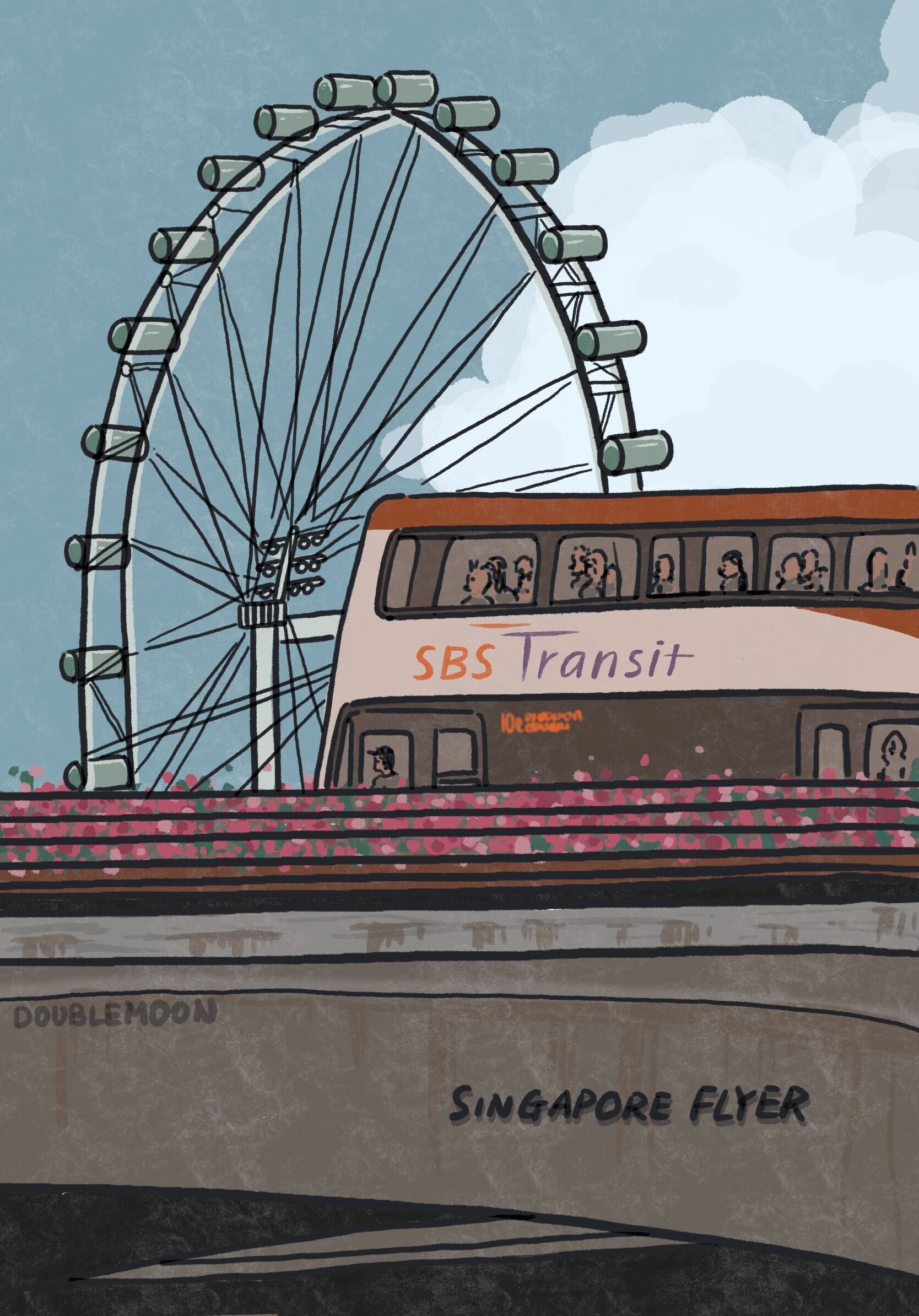
<p><img src="../../../../assets/scenes/singapore_flyer.jpg" alt="" /></p>

<p><img src="../../../../assets/scenes/holland_village.jpg" alt="" /></p>

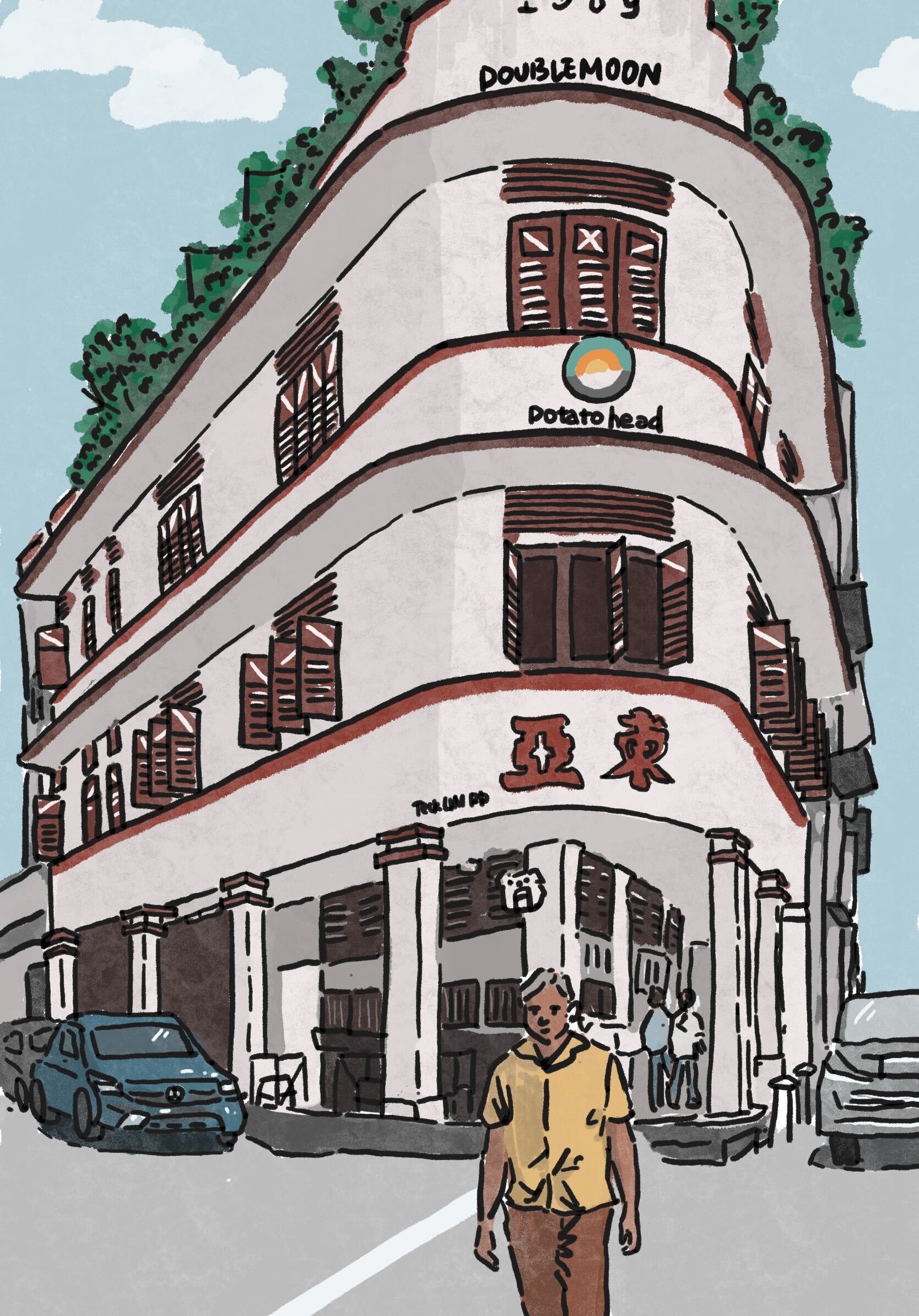
<p><img src="../../../../assets/scenes/keong_saik.jpg" alt="" /></p>]]></content><author><name></name></author><category term="Illustration" /><category term="illustration" /><summary type="html"><![CDATA[Random stuffs.]]></summary></entry></feed>